I installed RabbitMq 3.7.16 on my MacOS-10.14.5 today.
Sharing few minor hurdles I came across during installation.
I installed from RabbitMQ official Site, followed these instructions
https://www.rabbitmq.com/install-standalone-mac.html.
Yes Standalone build, call me lazy, but I had my reasons 😜
Installation
I followed all the steps, still could not install successfully.
Although when I started RabbitMQ Server with this command sbin/rabbitmq-server start it displayed below messages the broker hadn’t started properly.
Starting broker…
WARNING: module crypto not found, so not scanned for boot steps.
WARNING: module crypto not found, so not scanned for boot steps.
WARNING: module crypto not found, so not scanned for boot steps.
WARNING: module crypto not found, so not scanned for boot steps.
WARNING: module crypto not found, so not scanned for boot steps.
WARNING: module crypto not found, so not scanned for boot steps.
WARNING: module crypto not found, so not scanned for boot steps.
completed with 0 plugins.
The reason was OpenSSL not being available
I checked my crash log located within My_StandAlone_rabbitmq_serverFolder_Path/rabbitmq_server-3.7.16/var/log/rabbitmq
Hovered my eyes on the log and could see
OpenSSL might not be installed on this system.
Doc clearly mentions:
This package requires OpenSSL 1.1.x or 1.0.x installed. We strongly recommend doing this via Homebrew to avoid possible issues with dynamic library paths.
I typed openssl command on terminal, and openssl CLI opened, so I assumed OpenSSL is available, but MacOS-10.14.5 has LibreSSL 2.6.5 by default can be checked by typing openssl version in Terminal.
LibreSSL is an open-source implementation of the Transport Layer Security (TLS) protocol.
So had to install openssl manually
I used Homebrew to install opensslbrew install openssl didn’t bother much about version
it installed openssl 1.0.2s
So this cleared my error and could successfully start rabbitmq server
RabbitMQ Management UI
Me as someone who has installed Tomcat, phpmyadmin, etc its obvious I will immediately open chrome to type localhost:5672
To my surprise I got
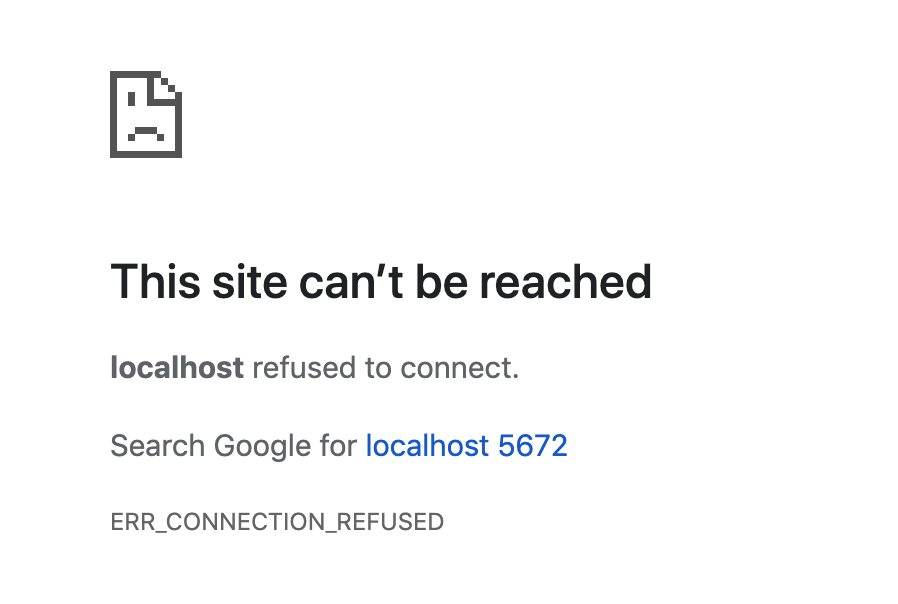
So the reason to this are
1. RabbitMQ Management UI starts on port
2. RabbitMQ does not enable Management UI by default you need to enable it manually.
The management plugin is included in the RabbitMQ distribution.It must be enabled before it can be used. That’s done using below commandrabbitmq-plugins enable rabbitmq_management
Now restart the broker
Hit http://localhost:15672/ and we are back on track
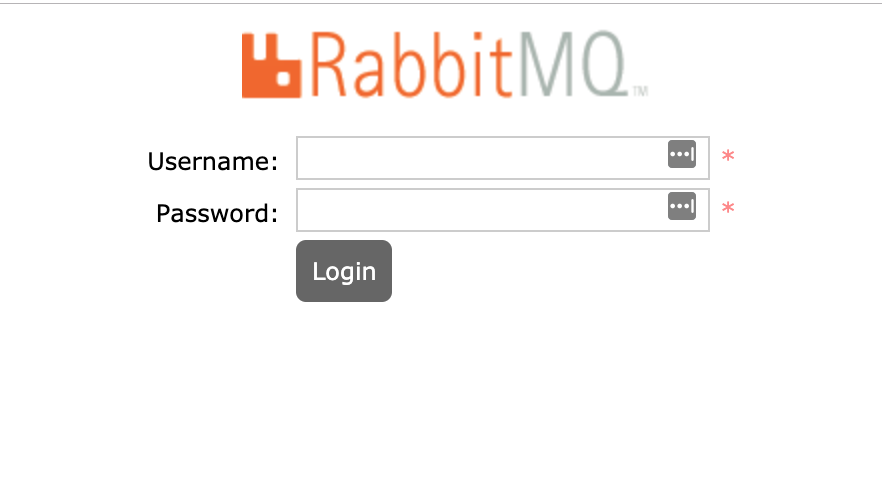
How to LogIn ?
I tried world’s few famous and most secure credentials
username: admin
password: admin
username: guest
password: guest
Well they didn’t work, guest login disabled from 3.3.0
We have to create a new user with admin grants:
rabbitmqctl add_user test test
rabbitmqctl set_user_tags test administrator
rabbitmqctl set_permissions -p / test "." "." ".*"
Thanks to this StackOverflow answer.
PS: These commands have to be run when broker is running
 Rathan's Tech Blog