This is my blog on tech, not sure what all I am gonna blog. Planning to post my tech experiences , I keep exploring different techs, most of them just for exploring. I am planning to blog these experiences from installation to different features.
I followed all the steps, still could not install successfully.
Although when I started RabbitMQ Server with this command sbin/rabbitmq-server start it displayed below messages the broker hadn’t started properly.
Starting broker… WARNING: module crypto not found, so not scanned for boot steps. WARNING: module crypto not found, so not scanned for boot steps. WARNING: module crypto not found, so not scanned for boot steps. WARNING: module crypto not found, so not scanned for boot steps. WARNING: module crypto not found, so not scanned for boot steps. WARNING: module crypto not found, so not scanned for boot steps. WARNING: module crypto not found, so not scanned for boot steps. completed with 0 plugins.
The reason was OpenSSL not being available
I checked my crash log located within My_StandAlone_rabbitmq_serverFolder_Path/rabbitmq_server-3.7.16/var/log/rabbitmq
Hovered my eyes on the log and could see OpenSSL might not be installed on this system.
Doc clearly mentions: This package requires OpenSSL 1.1.x or 1.0.x installed. We strongly recommend doing this via Homebrew to avoid possible issues with dynamic library paths.
I typed openssl command on terminal, and openssl CLI opened, so I assumed OpenSSL is available, but MacOS-10.14.5 has LibreSSL 2.6.5 by default can be checked by typing openssl version in Terminal.
LibreSSL is an open-source implementation of the Transport Layer Security (TLS) protocol.
So had to install openssl manually I used Homebrew to install openssl brew install openssl didn’t bother much about version it installed openssl 1.0.2s
So this cleared my error and could successfully start rabbitmq server
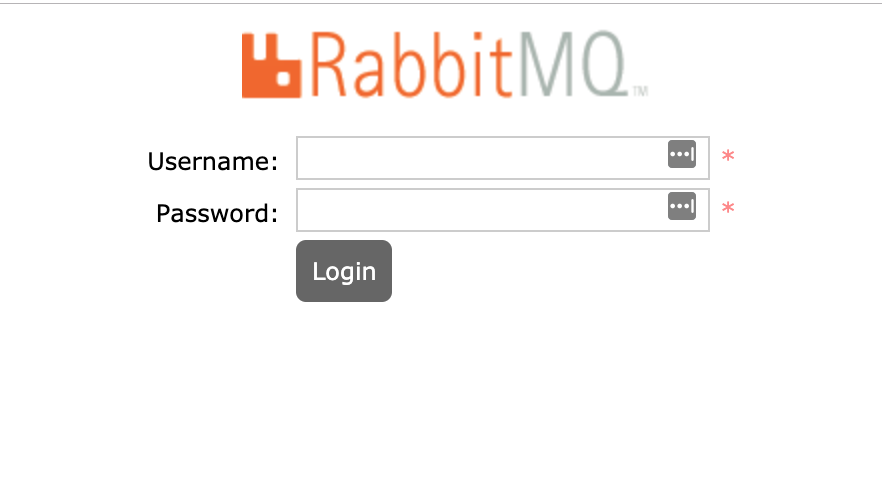
RabbitMQ Management UI
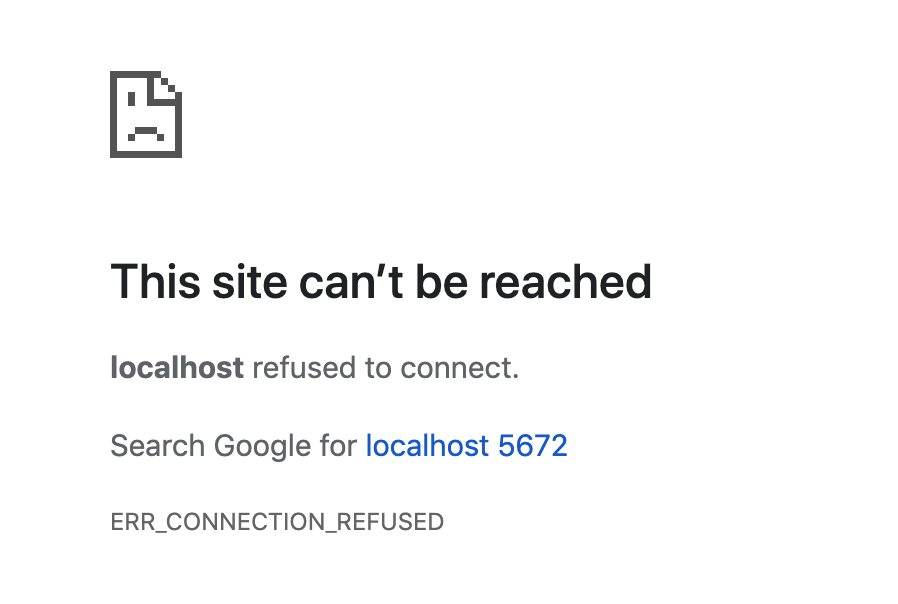
Me as someone who has installed Tomcat, phpmyadmin, etc its obvious I will immediately open chrome to type localhost:5672 To my surprise I got
Ah! Not again….
So the reason to this are 1. RabbitMQ Management UI starts on port 2. RabbitMQ does not enable Management UI by default you need to enable it manually.
The management plugin is included in the RabbitMQ distribution.It must be enabled before it can be used. That’s done using below command rabbitmq-plugins enable rabbitmq_management
 Rathan's Tech Blog